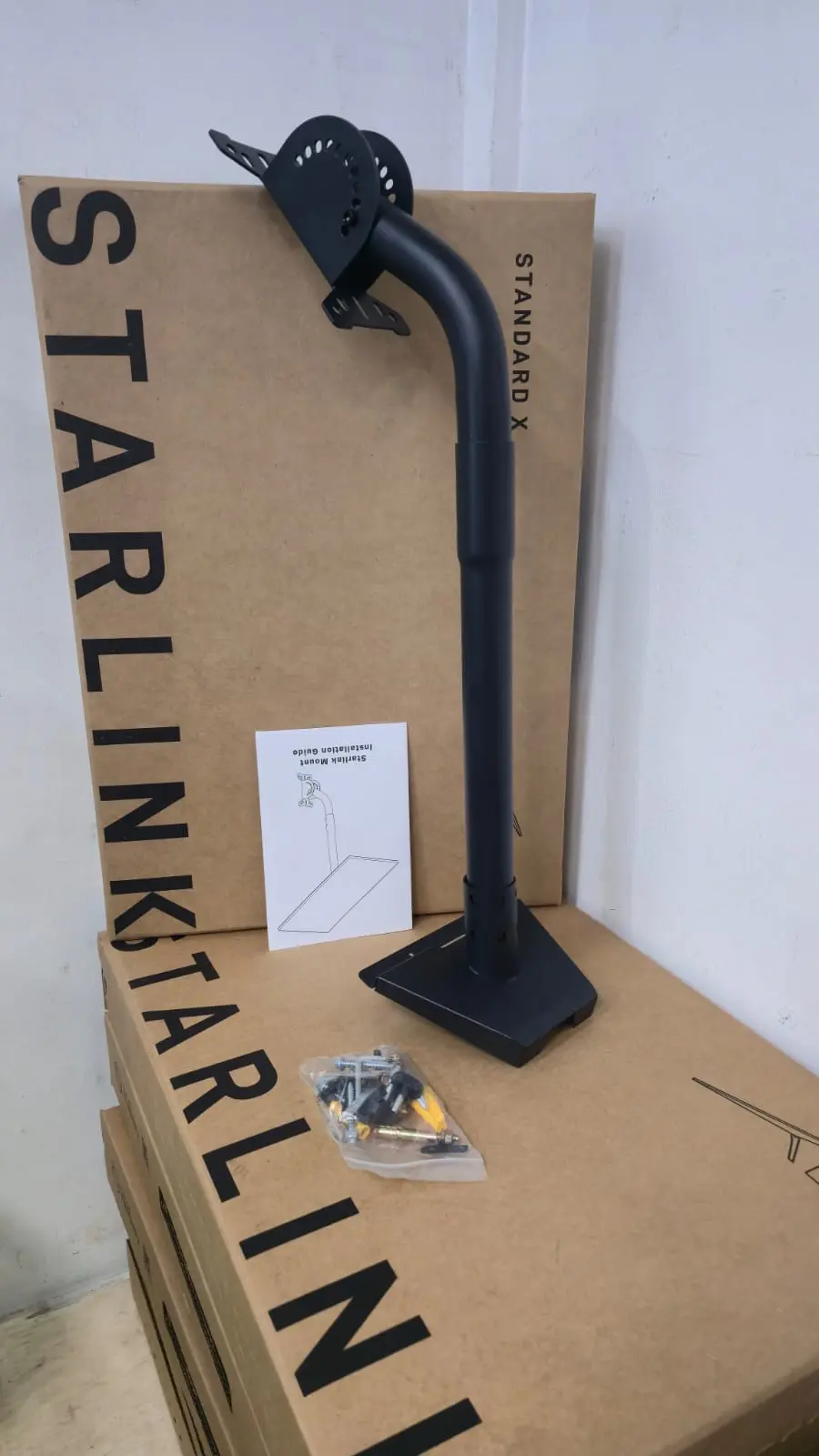
The Starlink Mini Magnetic Mount is a practical mounting solution designed to make installing and positioning your Starlink Mini easier, especially when you need a flexible, portable, and non-permanent setup. It is an excellent accessory for users who want to deploy Starlink Mini on suitable metal surfaces without committing to a conventional drilled installation.
Whether you are setting up internet on a vehicle, temporary work site, outdoor location, mobile office, or another suitable metal surface, a magnetic mounting solution can make repositioning and deployment much more convenient.
Available from Jemtech Computers Kenya, the Starlink Mini Magnetic Mount is ideal for customers looking to get more flexibility from their Starlink Mini connectivity setup.
The Starlink Mini is designed as a compact satellite internet terminal, making it particularly suitable for portable and mobile connectivity. According to Starlink, the Mini has a compact electronic phased-array antenna and is compatible with dedicated Mini mounting accessories.
A magnetic mount complements this portability by providing a convenient way to position the Starlink Mini on an appropriate ferromagnetic metal surface. This makes it particularly useful for temporary installations where drilling holes or permanently attaching hardware is not desirable.
One of the main advantages of a magnetic mounting system is convenience. Instead of drilling into a surface, the mount can be positioned on a suitable metal surface and removed when the setup
Before installation, select a clean, flat, and suitable ferromagnetic metal surface that can securely support the magnetic mount and Starlink Mini. The mounting surface should be strong enough to withstand the conditions in which the equipment will be used.
For vehicle installations, choose a stable location that does not interfere with doors, windows, moving parts, roof accessories, or other equipment.
Remove dust, dirt, moisture, grease, and other debris from the mounting area before attaching the magnetic base. A clean surface helps the mount make proper contact with the metal and reduces the risk of movement during use.
Make sure both the mounting surface and the magnetic mount are dry before installation.
Place the Starlink Mini Magnetic Mount carefully on the selected metal surface. Ensure the magnetic base sits flat and has full contact with the surface.
Once positioned, check that the mount is stable before attaching or positioning your Starlink Mini.
Secure the Starlink Mini to the mount according to the mount's design and the manufacturer's installation instructions. Make sure the terminal is properly seated and cannot easily shift from its intended position.
Avoid placing unnecessary pressure on the Starlink Mini, its connectors, or cables during installation.
After mounting the terminal, route the cable carefully toward your preferred connection point. Keep cables away from sharp edges, hot surfaces, hinges, rotating components, and areas where they could be crushed or pulled.
Where the mount is being used on a vehicle, secure loose cable sections so they do not create a safety hazard while the vehicle is moving.
Before using the Starlink Mini, gently check that the magnetic mount and terminal are firmly positioned. If the mount moves, lifts, or does not maintain secure contact with the mounting surface, reposition it or select a more suitable surface.
For mobile applications, periodically inspect the mount, terminal, and cable connections to ensure everything remains secure.
The Starlink Mini Magnetic Mount should only be used on suitable metal surfaces and in accordance with the mount manufacturer's specifications. Magnetic mounting strength can vary depending on the thickness, shape, coating, material, and condition of the mounting surface.
For permanent installations or locations exposed to particularly demanding conditions, consider using an appropriate fixed mounting solution instead.
If you are unsure about the best mounting position for your Starlink Mini, Jemtech Computers can help you identify a suitable mounting approach for your installation.
For product availability, installation guidance, or assistance choosing Starlink accessories in Kenya, contact Jemtech Computers:
Phone: +254 799 99 08 94
Email: jemtechithub@gmail.com
You can also follow Jemtech Computers on Facebook and Instagram for product updates, technology solutions, and new arrivals.

No review given yet!
 Fast Delivery all across the country
 Safe Payment
 7 Days Return Policy
 100% Authentic Products




You need to Sign in to view this feature

This address will be removed from this list
 english